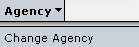
The Change Agency option can be selected from the IMM menu bar as follows:
This will display a screen that lists all of the authorised agencies that a user can edit or view as read-only.
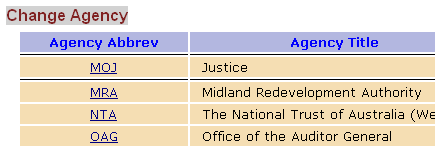
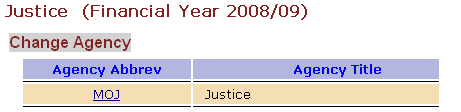
From this screen the user is able to click on the 3 letter code of the agency they want to access while in the IMM and the system will switch to that agency. The name of the agency that is being accessed will appear at the top of the screen as highlighted below.
Updated: 18 June 2013