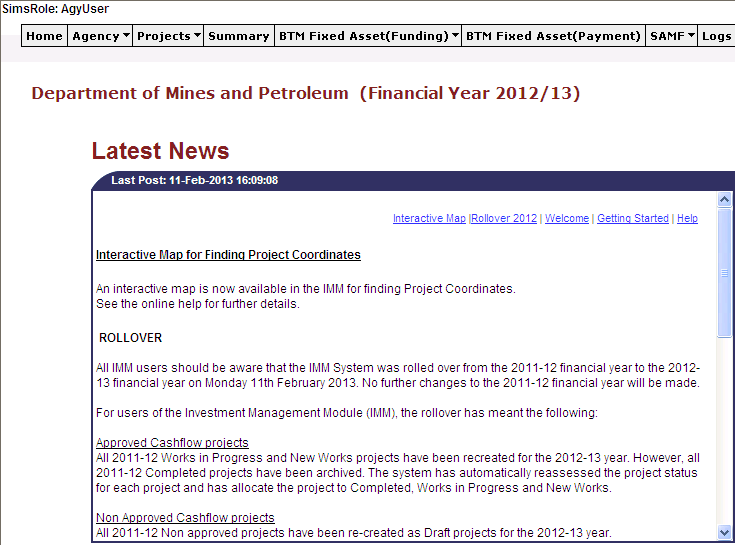
Once you have logged into the IMM the default screen that will appear is the IMM Home Page.
This screen shows what agency you are currently viewing, any news items on the IMM notice board, and a list of agencies that currently have active adjustments for which the user has access to.
From this screen you are able to navigate to any area of the IMM you wish to view through the menu bar.
Updated 19 June 2013