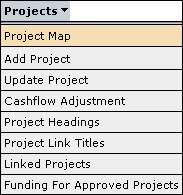
The Project Map screen is designed to provide an overall view of all of the projects that are sitting in the capital investment plan, what status each project is currently in and for approved projects to show how they are distributed between new works, works in progress or completed works. The Project Map screen is under Projects in the menu as follows:
This will then take you to a project status selection box with various options on how to view the project map.
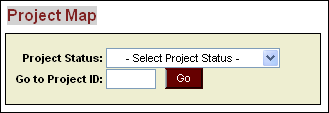
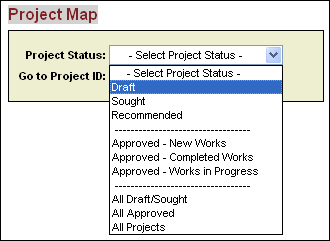
From this selection box you are able to select to view projects by status or you can select all projects in the capital investment plan.
After selecting an option the system will display all of the projects under the selected classification as follows:
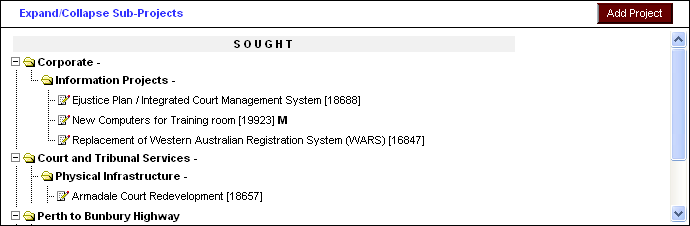
As well as viewing all
your projects, project headings/sub-headings and showing what status each
is in,
the project map allows you to add a new project by clicking on the  button which will take you to the project details screen.
Updated 19 June 2013