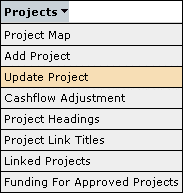
To update/change any details for a capital works project the update project screen can be accessed through the menu system as shown below:
After selecting the update project item, the system will take you to the project map screen. The project map screen allows you to select which project that requires changes to the details. The project ID number can be entered into the search field to go directly to a specific project.
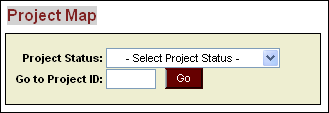
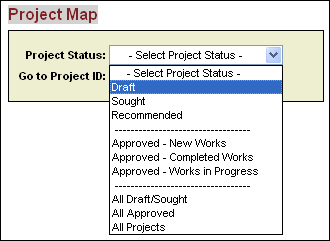
Alternatively the drop down box can be used to search for projects via status which will then provide a list of all projects that fit into that particular status.
Projects can then be selected from the list as show below:
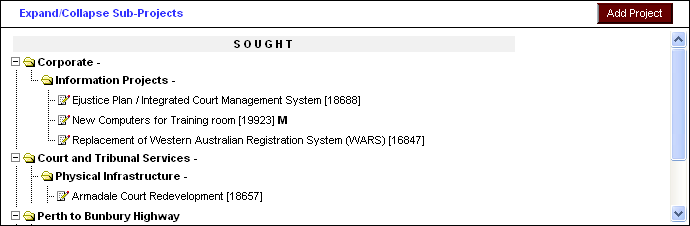
Once you have selected a project from the Project Map screen you will be taken to the details of that project where you can modify the details as required. Remember to save any changes to the system before going to a new screen. Any areas that are not able to be changed according to the business rules will be greyed out automatically by the system.
Please note that details for projects that have already been approved are not able to be changed in this way. Any adjustment to the cashflows for approved projects should be done through entering and submitting an adjustment through the Cashflow Adjustment screen.
Updated 19 June 2013