Projects - Project Link Titles
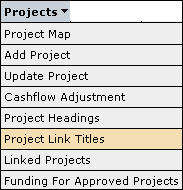
The Project Link Titles screen is accessible through the menu as follows:
This screen allows the user to create new Titles for linking projects across programs and across financial years.
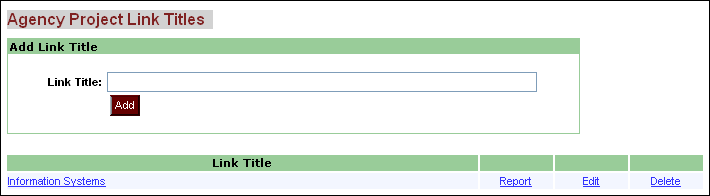
To create a link title just
type in the new link title name and click on the  button.
This will add the Link title to the list of Link Titles in the bottom half of
the screen.
To edit an existing Link Title click on the 'Edit' tab beside the Link Title that needs to be changed.
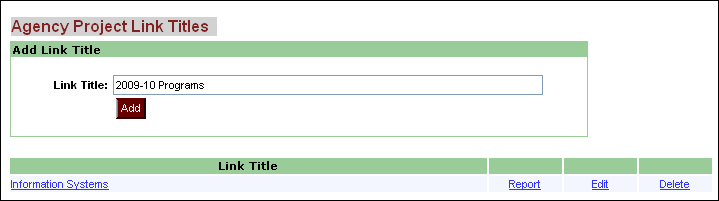
Enter the new Link Title into the 'Link Title' text box and select the 'Update' button to save the changes.
To delete a Link Title select the 'Delete' tab beside the Link Title that needs to be deleted,and click on the 'Delete' button to remove the Link Title from the Capital Works program.
Updated 19 June 2013