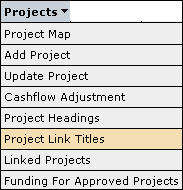
The Linked Projects screen is accessible through the menu as follows:
This screen lists all the projects that are linked together under the Title in question.

The list will display the Project Heading, Project Title, Project ID, Financial Year and status for each project that is linked together under the same title.
It will also list all the available 'Approved' projects for the current financial year and any projects in the past financial years.
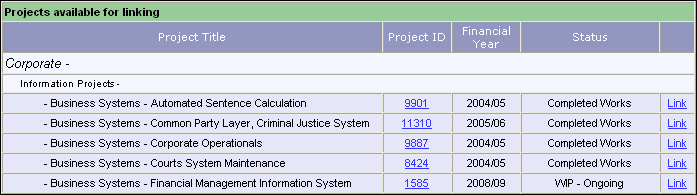
To link a project click
on the  button beside the
project selected in the 'Projects available for linking' list.
button beside the
project selected in the 'Projects available for linking' list.
To unlink a project click
on the  button beside the project selected in the 'Projects linked
to'
list.
button beside the project selected in the 'Projects linked
to'
list.
Updated 19 June 2013